How to Stop Doomscrolling in 2026: A Practical App Blocker Guide
Aqua Lock Team
7 min read
- doomscrolling
- app blocker
- screen time
- digital wellbeing
- phone habits
If you have ever unlocked your phone to check the time and found yourself thirty minutes deep into a feed you did not choose to open, you already know what doomscrolling feels like. It is automatic, exhausting, and almost impossible to stop through willpower alone. In 2026, with feeds engineered to be more sticky than ever, the answer is not to try harder. It is to build a simple system that interrupts the habit before it starts.
This guide breaks down exactly how to stop doomscrolling using practical behaviour-change techniques, app blockers, and a hydration-based interrupt that gives your brain a moment to choose. It is written for anyone who wants a clear structure rather than vague motivational advice.
What Doomscrolling Actually Is
Doomscrolling is the compulsive, often anxious, consumption of endless feed content, usually news, social media, or short-form video. It is not the same as intentional browsing. It happens automatically, often without a clear reason, and usually leaves the user feeling drained rather than informed.
The behaviour is powered by three ingredients: an available trigger, a rewarding but unpredictable feed, and low friction between impulse and app. Remove any one of these, and the loop weakens.
Why Doomscrolling Is So Hard to Stop
Doomscrolling is not a discipline problem. It is a design problem. Feeds are built by teams whose job is to keep you scrolling. Your brain is running a much older reward system that responds to novelty, so it feels good in the moment even when you know it is not helping.
Automatic unlocking: you open your phone without a conscious reason
Low friction: apps are one tap away on your home screen
Variable rewards: you never know what the next scroll will show
Emotional escape: scrolling numbs stress, boredom, and discomfort
Habit stacking gone wrong: scrolling attaches to every micro-moment
Understanding these mechanics is the first step. You are not lazy or weak. You are responding predictably to a system built to keep your attention.
How App Blockers Break the Scroll Loop
App blockers work by inserting friction between the impulse and the app. Instead of tapping and scrolling within a second, you are stopped, asked to wait, or required to complete an action first. That small pause is often enough for your rational brain to catch up and choose something better.
Time-based blocks that restrict apps during work or sleep hours
Daily usage limits that cut off apps after a set duration
Full blocks that require a specific action to unlock
Habit-replacement blocks that pair unlocking with a positive behaviour
The most effective blockers are the ones that replace the habit with something useful rather than just removing access. This is why hydration-linked blocking works so well.
How Hydration Can Act as a Screen-Time Interrupt
Hydration is a naturally positive behaviour. It is quick, easy, and something most people already need to do more often. Linking it to the moment you try to open a distracting app turns a pause into a small win, rather than a punishment.
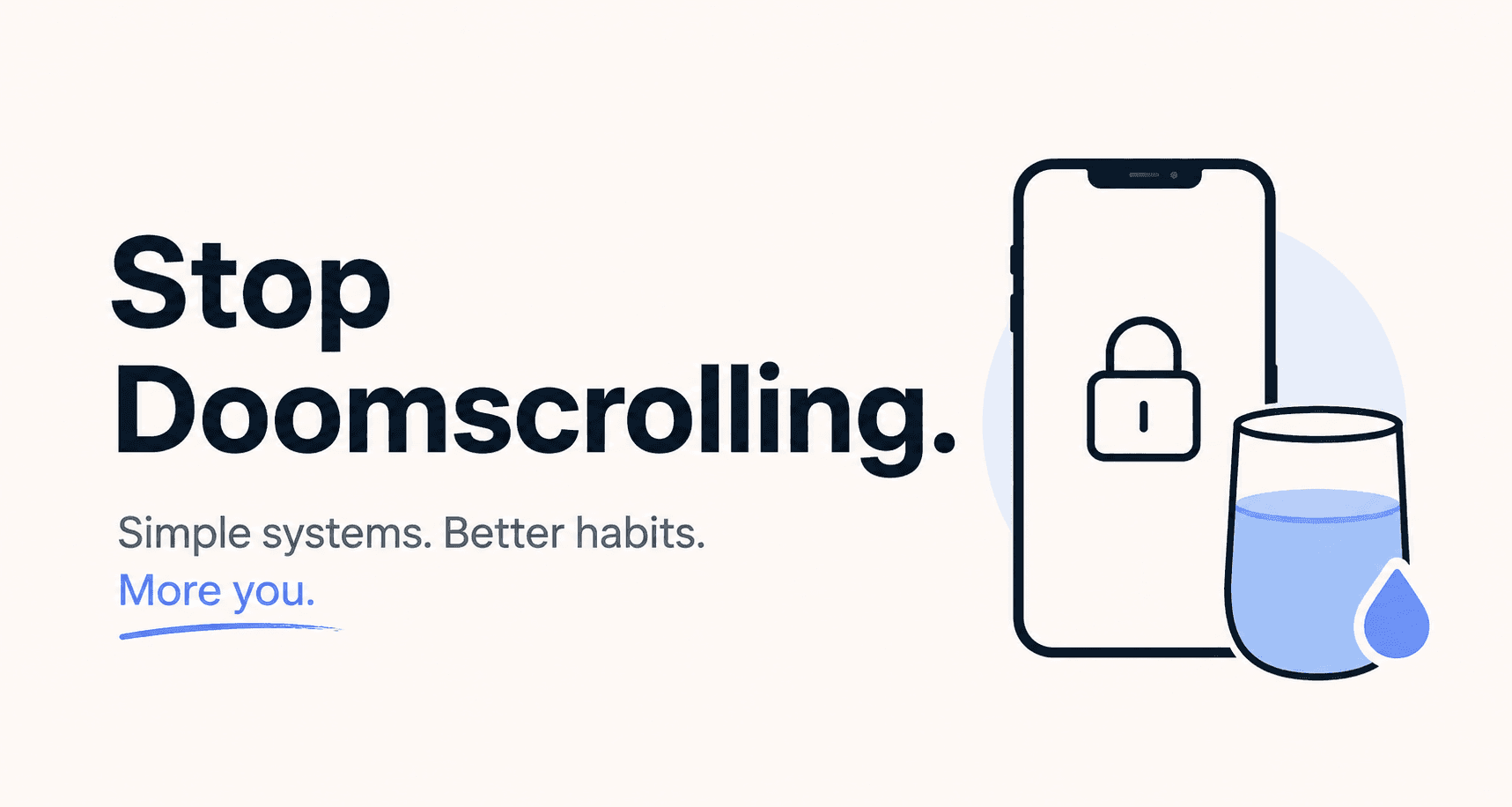
This is the core idea behind Aqua Lock. When you try to open a distracting app, the app is blocked until you log a glass of water. The behaviour feels supportive, not restrictive. Instead of just being told no, you complete a healthy micro-habit and gain a moment to decide whether you actually wanted to scroll.
Creates a pause between impulse and app
Builds a hydration habit as a side effect
Rewards the brain with a real accomplishment
Reduces guilt because the interrupt is positive
Makes the block feel useful rather than punishing
Step-by-Step: Stop Doomscrolling in 2026
Use this simple structure to build a system that lasts longer than a burst of motivation.
Step 1: Identify your top three doomscroll apps by checking your screen time report
Step 2: Remove those apps from your home screen and place them in a folder on page two or three
Step 3: Install an app blocker and set clear rules for your top three apps
Step 4: Pair the block with a hydration action so unlocking becomes a healthy micro-habit
Step 5: Define two protected windows per day, such as the first hour after waking and the last hour before sleep
Step 6: Track your progress weekly and adjust limits gradually rather than all at once
Step 7: Replace scroll time with a short, easy alternative such as a walk, stretch, or a specific playlist
Consistency beats intensity. Small friction applied every day will outperform any dramatic detox that only lasts a weekend.
Common Mistakes to Avoid
Trying to quit all social apps at once instead of starting with the worst offender
Relying only on willpower without adding real friction
Setting unrealistic limits that trigger a rebound scroll session
Turning off blockers the moment they get uncomfortable
Ignoring the emotional triggers that lead to scrolling in the first place
Not replacing scroll time with any alternative behaviour
Tools That Help You Stop Doomscrolling
A small stack of tools works better than one heavy solution. The goal is to add friction at multiple points, not to punish yourself.
An app blocker with a positive unlock action, such as Aqua Lock
Built-in screen time reports to track progress weekly
Grayscale mode to reduce the visual pull of feeds
A physical alternative like a book or notepad on your desk
A simple hydration tracker to reinforce the water habit
For more on building healthier phone habits, see our related guides on reducing screen time without burnout and building a morning routine that avoids the phone.
Frequently Asked Questions
Do app blockers actually work?
Yes, especially when they add real friction rather than a soft warning. The best results come from blockers that pair the pause with a positive replacement behaviour, so the interrupt feels useful rather than restrictive.
How can I stop opening social media automatically?
Move the apps off your home screen, log out after each use, and install a blocker that stops the app from opening instantly. Automatic tapping only works when the reward is one tap away.
Can drinking water help reduce screen time?
It can, when hydration is used as an interrupt. Requiring a glass of water before opening a distracting app creates a pause and a small positive action, which weakens the automatic scroll loop over time.
How long does it take to break the doomscrolling habit?
Most people notice a meaningful shift within two to four weeks of consistent friction and replacement behaviour. Full habit change often takes longer, but early improvements are usually visible within days.
What is the best way to drink more water every day?
Attach it to an existing behaviour. Linking a glass of water to unlocking your most-used apps turns hundreds of daily impulses into hydration moments, which is far more effective than passive reminders.
Final Thoughts
Stopping doomscrolling in 2026 is not about deleting every app or forcing yourself to be more disciplined. It is about building a simple, repeatable system that adds friction where you need it and replaces the habit with something that actually helps you feel better.
Start with your worst offender, add a blocker, and pair each unlock with a glass of water. Aqua Lock is built exactly for this, turning distracting app impulses into hydration wins. Small, consistent friction is what changes long-term behaviour, and every glass of water is a quiet vote for a calmer phone habit.
Available now
Drink first. Scroll after.
Aqua Lock is live on the App Store. Download it on iPhone and turn your screen time into a reason to reach for water.
Download on theApp Store