“I used to swipe away every water reminder. Having my social apps wait until I log a drink is the first thing that has actually changed my routine.”
M
Maya
Early user · London
Aqua Lock blocks your most distracting apps until you drink water and verify it with a quick photo. Turn the apps you already open every day into a hydration habit you can't ignore.
A better trigger
Pick the social apps, games, or feeds that steal your focus.
Snap a quick photo. Aqua Lock verifies your drink with AI.
Log your water, open your apps, and build a habit that sticks.
Inside the app
A clear daily target, real app blocking, and progress that makes every glass count.
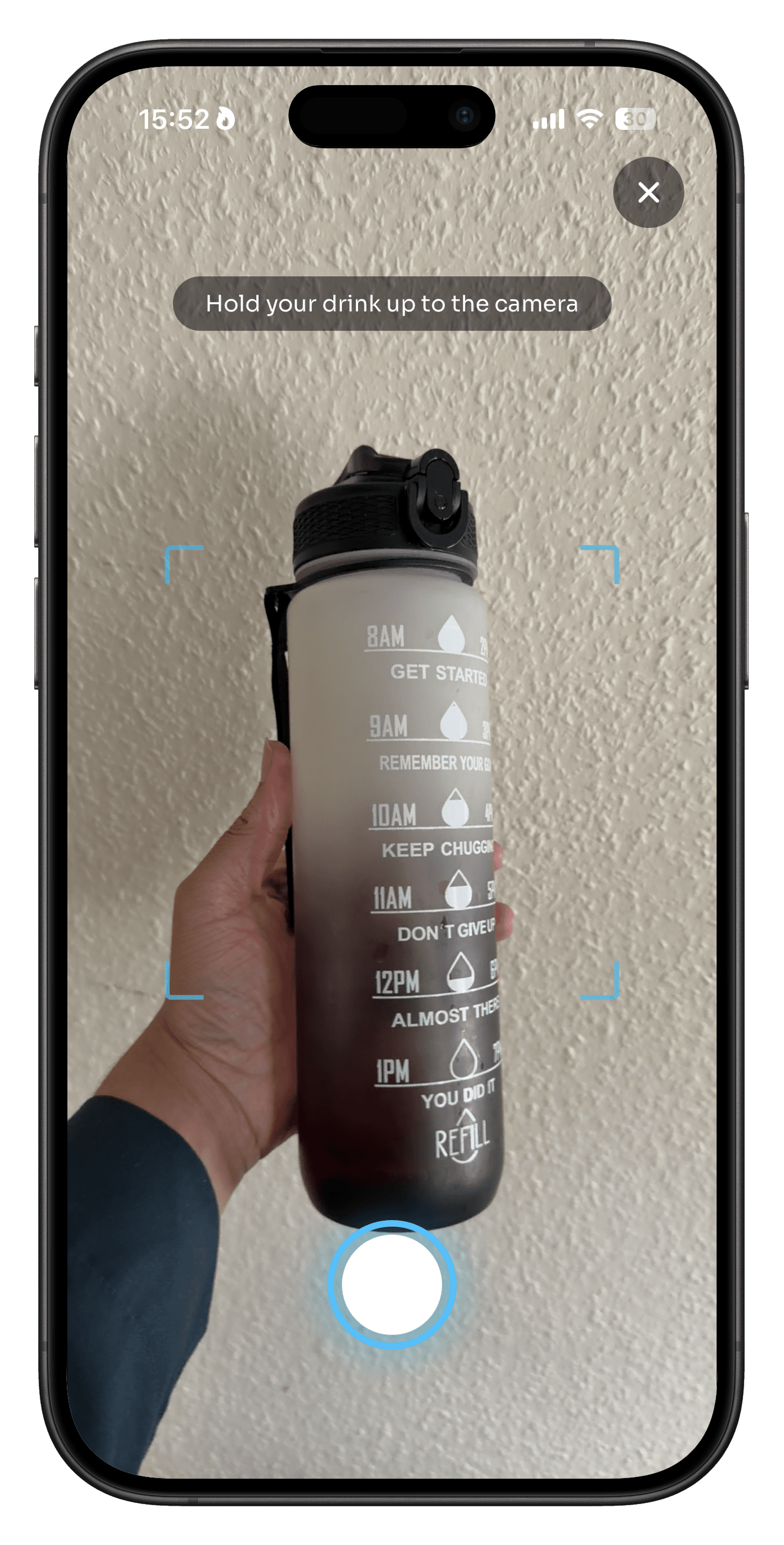
Snap a quick photo of your drink. AI-assisted verification keeps every unlock tied to actually having water in front of you.
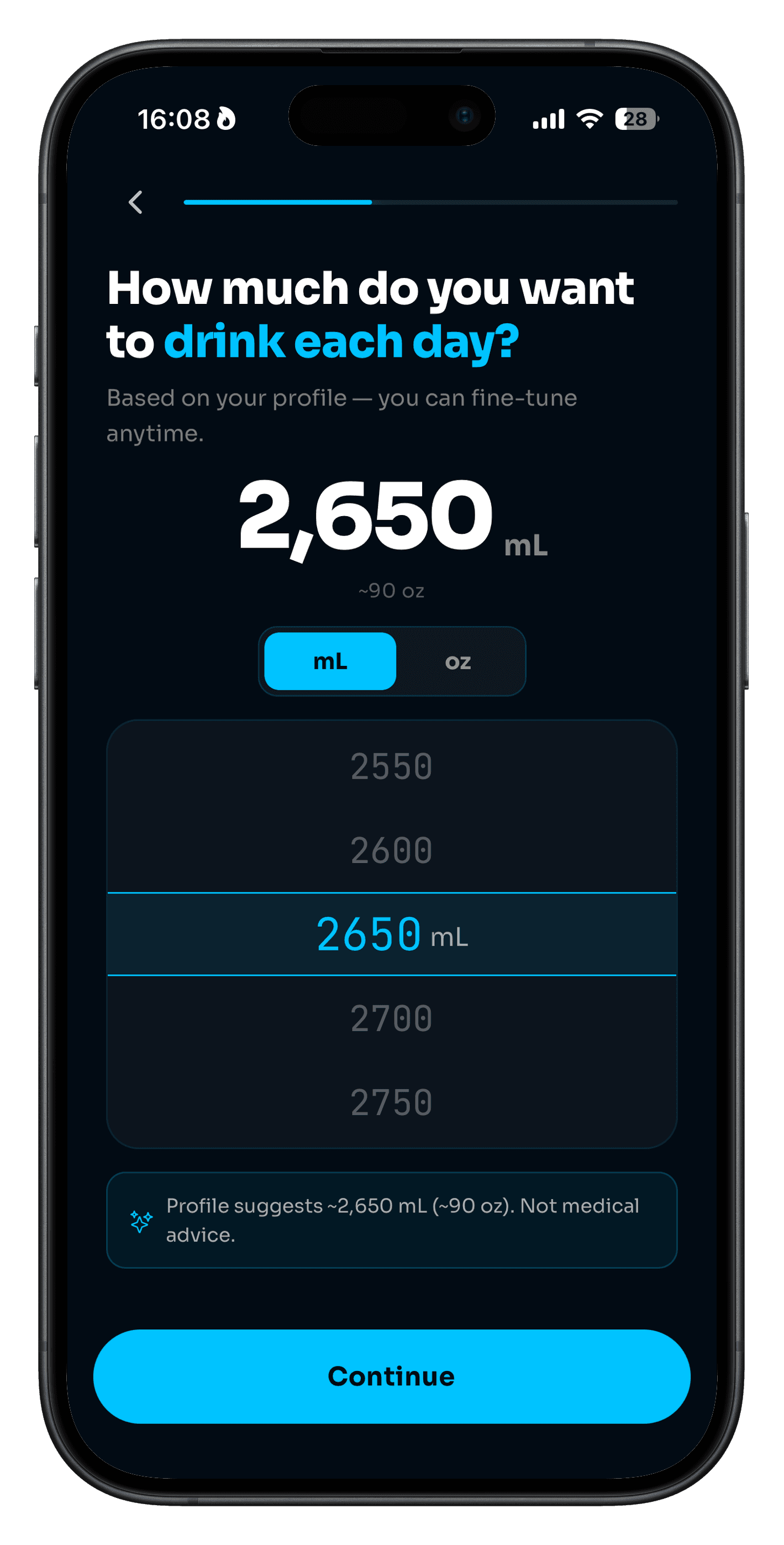
Set a personalised daily target and see every glass add up. Clear progress keeps you moving without turning hydration into homework.
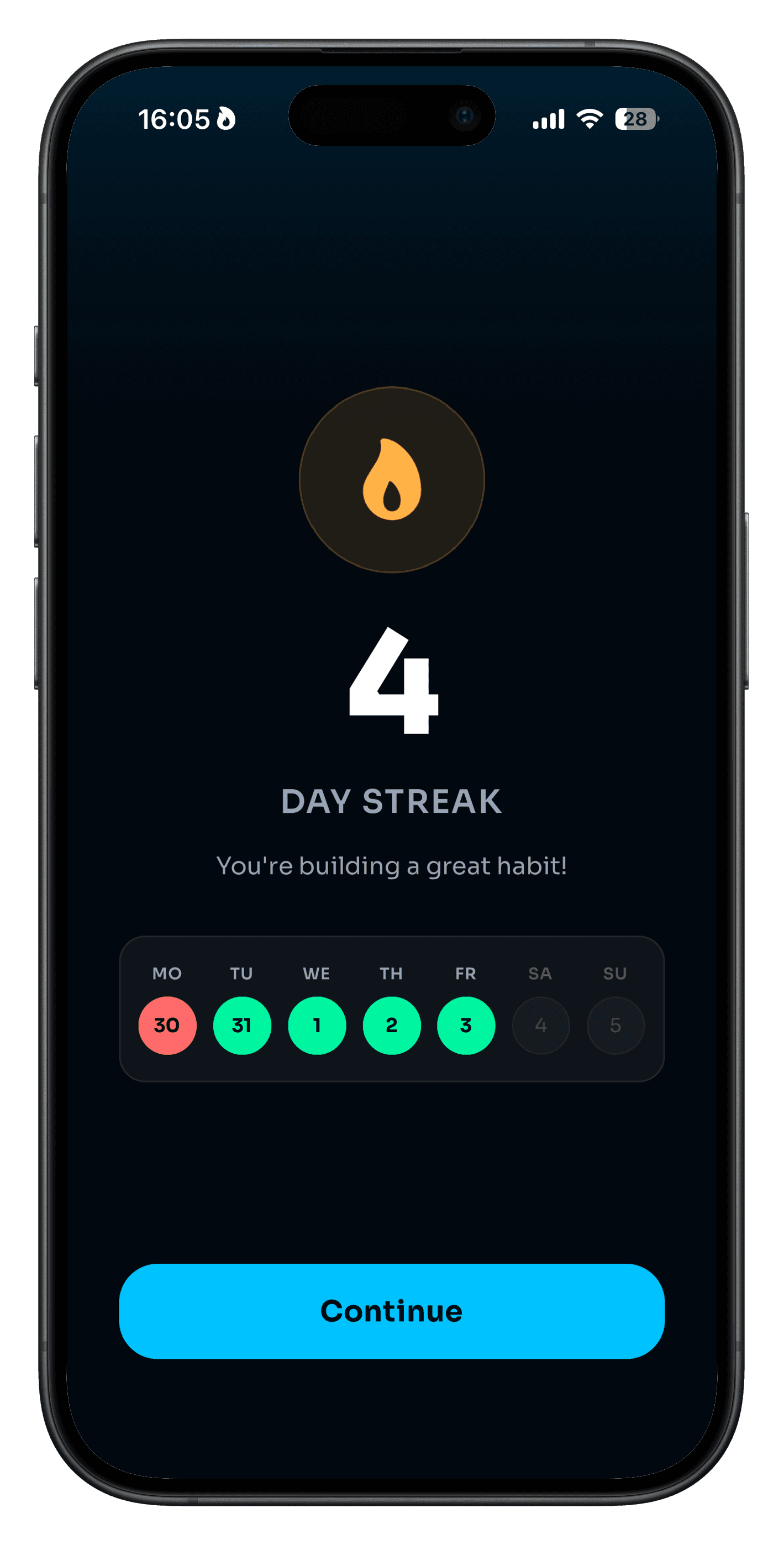
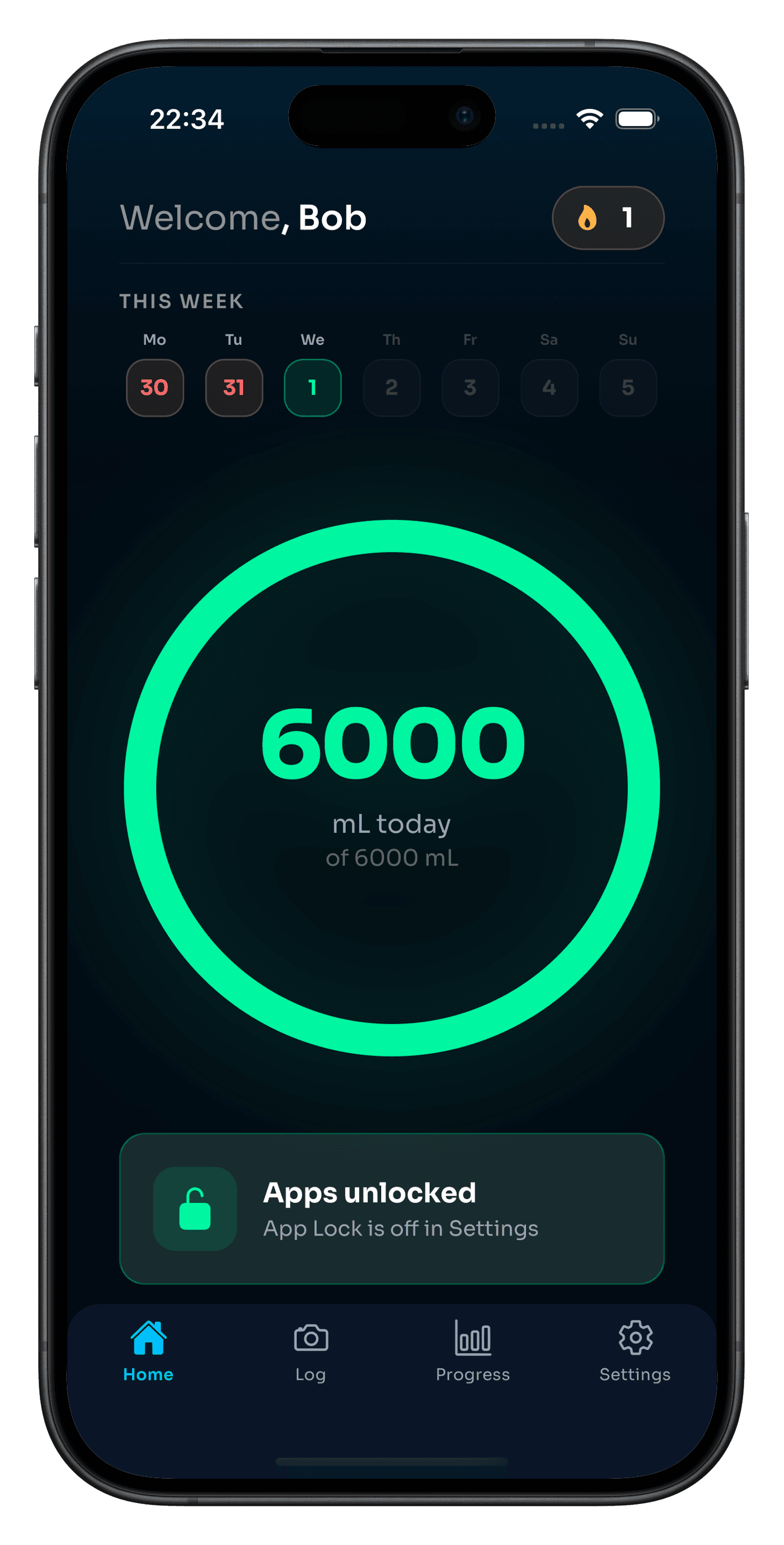
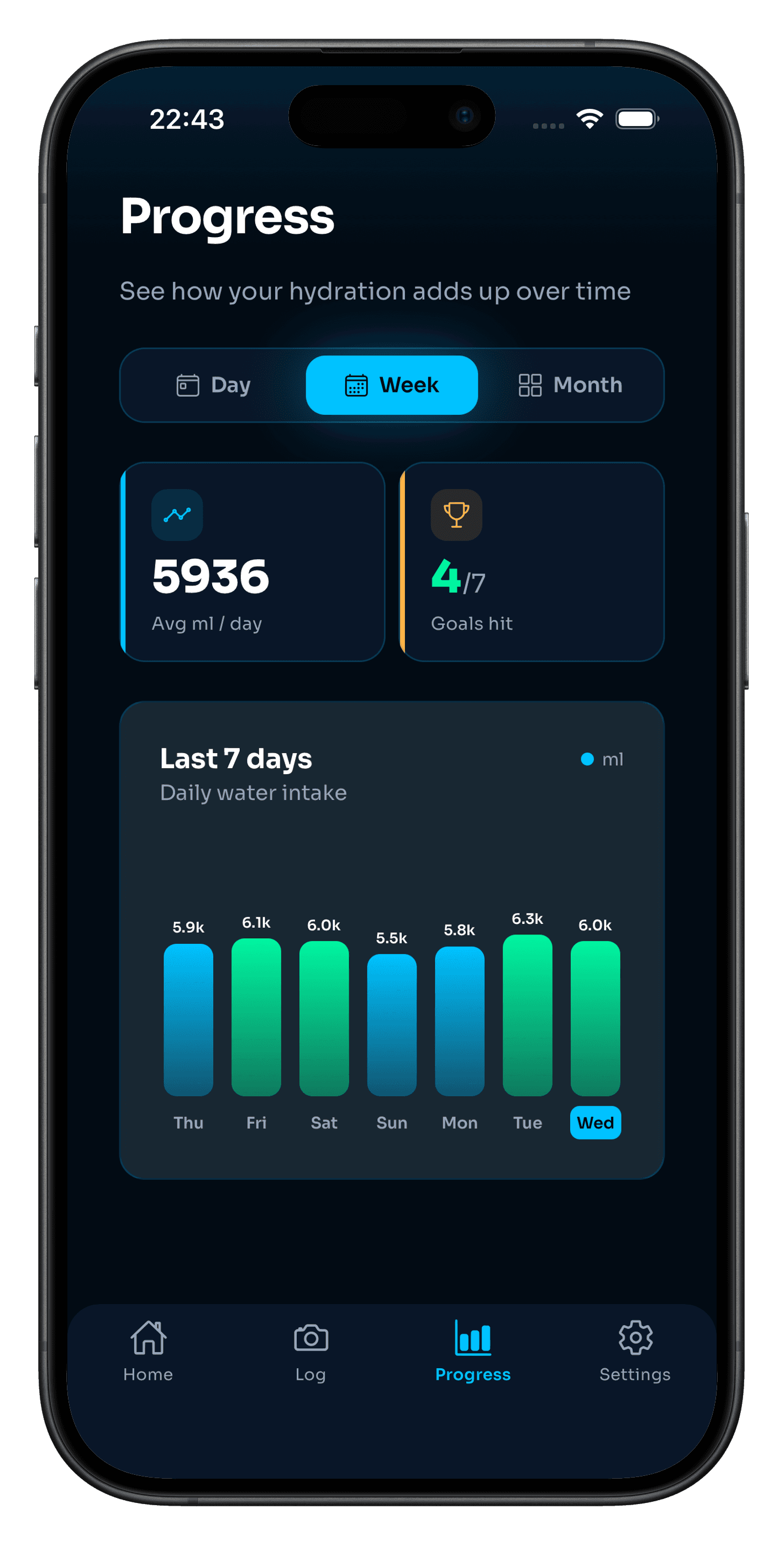
Build a streak, follow your week, and make drinking enough water feel like the default instead of another thing to remember.
A few words from early Aqua Lock users building a healthier relationship with water and screen time.
“I used to swipe away every water reminder. Having my social apps wait until I log a drink is the first thing that has actually changed my routine.”
Early user · London
FAQ
How Aqua Lock turns your screen time into a healthier daily habit.
A mobile app that helps you drink enough water by blocking selected apps until you log the amount you need for the day. You set a goal, drink, tap it in—then your apps unlock. It’s a simple loop designed to turn hydration into a habit.
Most people know they should drink more; the hard part is remembering. Tying unlock to your water intake gives you a clear reason to pause and drink before you disappear into a feed. You stay in control of which apps are affected.
No—it’s meant to help you notice. The lock is there so hydration doesn’t lose to endless scrolling. You can adjust your goal, and the app is built to encourage streaks and progress, not shame.
Snap a quick photo of your drink when you log it. Aqua Lock uses AI-assisted verification so your unlock is tied to actually having water in front of you.
Yes. You decide which distracting apps Aqua Lock controls, and Apple’s Screen Time framework handles the blocking on your device.
Aqua Lock is available for iPhone and requires iOS 16 or later.
Available now
Download Aqua Lock and turn the next app you open into a reason to reach for water.
Download on theApp StoreFree to download on iPhone · iOS 16+